
 Muhammad Naeem
Printing a document in Pakistan still means a trip to the photostat shop, a wait in line, and a chat with the man at the counter about the file on your phone. A new service called Scaniy wants to cut out the wait. It launched in Islamabad in September 2026, and it now works with print shops in Islamabad and Rawalpindi. The idea is simple: scan a QR code on the counter, upload your file from your phone, pay, and the printer does the rest on its own.
This is a small local launch, not a big brand release. Scaniy is made in Pakistan by a company called BEASYAI, and no big news site has covered it yet. All the facts in this post come from Scaniy’s own press page and guides, and we say so plainly where it matters. Even so, the idea is worth a look, because it speaks to a daily pain for students, job seekers, and office workers across the country. Here is what Scaniy is, how it works, what it costs, and what printers cost in Pakistan right now if you would rather print at home.
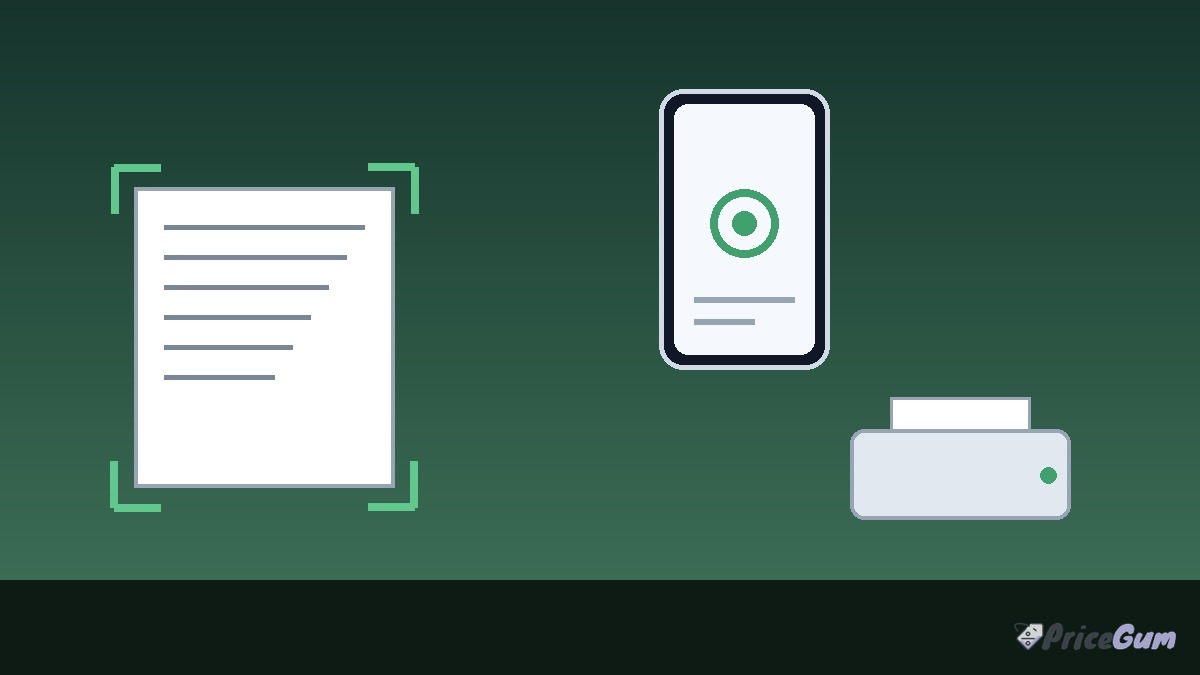
Scaniy QR printing Pakistan
Scaniy calls itself Pakistan’s first QR self-service printing platform. That is the company’s own claim, and we have not found independent coverage to check it against yet. What is clear from its press page is what the service does. A print shop puts a Scaniy QR code on its counter. A customer scans the code with a phone, uploads a PDF, a Word file, or a photo, pays, and the shop printer prints the file on its own. No app is needed, and no account is needed. The file is deleted the moment it prints, according to Scaniy.
Payment works through JazzCash, Easypaisa, card, or cash. That mix matters in Pakistan, where many small shops still run on cash and mobile wallets. A student who needs ten copies of an assignment before class can pay from the same phone that holds the file, without asking the shopkeeper to open WhatsApp or plug in a USB drive.
Scaniy is made by BEASYAI (SMC-Private) Limited, a company incorporated with the Securities and Exchange Commission of Pakistan on 7 September 2026. The founder is Raja Muhammad Hassan Ikram, who is also the chief executive of BEASYAI. The head office sits in Gulberg Greens, Islamabad. A trademark application for the Scaniy name has been filed with the Intellectual Property Organization of Pakistan. These are company facts from its own press page, and they show a real registered business behind the service rather than a weekend project.
How Scaniy works at the print counter
The process has four steps, and none of them needs an app download or a login.
- Scan the QR code printed on the shop counter with your phone camera.
- Upload your file from the phone. Scaniy accepts PDF files, Word files, and photos.
- Pay on your phone with JazzCash or Easypaisa, by card, or in cash at the counter.
- Collect the printout. The shop printer prints the file on its own, and Scaniy says the file is deleted the moment it prints.
The key point is that the customer drives the whole job from their own phone. The shopkeeper does not need to touch the file, open an email, or sort out a file format. That is where the time saving comes from. In a busy shop near a university or a court, the counter is the slow point, and every job that runs on its own frees the counter for the next person.
There is also a privacy angle. Many people feel uneasy handing a phone to a stranger to print a CV, a bank statement, or a family document. With Scaniy the file goes from the phone to the printer without passing through the shopkeeper’s hands, and the company says it is deleted as soon as it prints. That claim comes from Scaniy itself, and we cannot check the deletion from outside, but the design at least removes the most common privacy worry at a print shop.
Who Scaniy helps most
Students are the clearest users. Admissions season, exam season, and thesis deadlines all create the same scene: a long line outside the photostat shop, with everyone holding a phone and a deadline. A self-service counter lets a student print an assignment, a form, or a set of notes without waiting for the shopkeeper to finish the person ahead of them.
Job seekers are another group. A CV, a set of attested copies, or a passport-size photo print is often needed at short notice, and the print has to be clean. Scaniy also covers the small jobs around a job application, such as a CNIC copy or a passport photo sheet, through its built-in phone scanner, which we cover below.
Office workers and people near courts form a third group. Court work runs on copies: affidavits, forms, and case papers, often needed in sets. Offices near courts and in business districts already have the busiest print shops in the city, so a self-service option fits there too.
For now the service only covers Islamabad and Rawalpindi. Anyone in Lahore, Karachi, or other cities will have to wait. Scaniy has not published a date for other cities, and we will not guess one.
What Scaniy costs
For customers, there is no single Scaniy price per page. Each shop sets its own rate card, and the customer sees the price on their own phone before paying. That is a fair setup, because print prices differ by city, paper, and colour. The risk is the same as at any shop: a shop can set a high rate, so it pays to check the price on the screen before you confirm the job.
For shop owners, Scaniy plans start at Rs 499 a month, with zero percent Scaniy commission on print jobs. Payment processing or bank charges may still apply where Scaniy collects the money. The company says a shop can be set up in about fifteen minutes. That figure comes from Scaniy’s own guide, and the real setup time will depend on the shop’s printer and internet. The monthly plan is cheap next to the cost of a printer or a month of paper, so the barrier for a shop to try it is low.
Shops also get a simple benefit from the model: routine prints run on their own, so one person can serve more customers in the morning rush. Scaniy’s own guide for shop owners puts it plainly. Most of a shop’s income comes in a few busy hours, and the limit in those hours is how many people one person at the counter can serve. A QR counter takes the routine jobs off the counter, and the shopkeeper handles the jobs that need skill, such as binding, lamination, and form filling.
Scan documents with your phone, no app needed
Scaniy also has a built-in phone scanner, and it needs no app either. At a shop with a Scaniy QR code, you tap Scan in the phone browser. The scanner finds the edges of the page, straightens it, and cleans it up. It can put up to 30 pages into one PDF, which prints on the spot or can be saved or shared from the phone.
The scanner has a few useful tricks. It can make an ID card copy with the front and back on one page at real size, and a passport copy the same way. It can also make a sheet of passport-size photos. It can read the words off a photographed page, so you can copy the text or print a clean typed copy. Filters include original, enhanced, greyscale, and black and white for a photocopy look. You can also write or sign on a page, for example to mark what a copy is for.
This replaces the need for a scanner app on the phone, and it is aimed at the same people who use the print service. A student who needs to scan a handwritten assignment, or a parent who needs a scanned copy of a form, can do it at the counter and print it in the same visit. The guide that explains the scanner was published on 19 October 2026, which shows the service is active and being built out now, not just announced and left alone.
What we do not know yet
Honesty matters here, so here is what is not confirmed. No independent news site has covered Scaniy yet. Its own press page says articles about Scaniy will be listed there as they are published, and none is listed. That means every fact in this post comes from the company itself, and the claim of being first in Pakistan is the company’s own wording.
Scaniy has not published a shop count or a user count, so we do not know how many print shops use it today. It has not published a per-page price, because each shop sets its own rate card. And it has not given a date for Lahore, Karachi, or any other city. If you live outside Islamabad and Rawalpindi, this service is not for you yet.
None of that makes the launch fake. A small Pakistani startup with a registered company, a named founder, a head office, and a live product is a real thing. It only means the story is early, and readers should treat the company’s claims as company claims until independent coverage or wider use backs them up. We will update this post when Scaniy reaches more cities or when independent reports appear.
Printer prices in Pakistan right now
Scaniy is useful when you need a print on the go. If you print often, owning a printer is still cheaper over time, and ink tank printers have become the default choice for homes and small offices in Pakistan. Here are current prices from Mega.pk, checked on 13 November 2026. Prices change often with the dollar rate, so treat these as a snapshot of today, not a fixed price list.
| Printer | Type | Price in Pakistan |
| HP DeskJet 2320 | Inkjet all in one | Rs 17,499 |
| Pantum P2200 | Mono laser, single function | Rs 30,999 |
| HP Smart Tank 520 | Ink tank wireless all in one | Rs 46,999 |
The HP DeskJet 2320 is the cheapest inkjet on the listing, at Rs 17,499. It is a basic all in one for light home use: print, scan, and copy, with cheap cartridges but a higher cost per page than an ink tank model. The Pantum P2200, at Rs 30,999, is the cheapest printer on the whole listing. It is a black and white laser printer, so it suits text documents and office work, but it cannot print in colour or scan.
The HP Smart Tank 520, at Rs 46,999, is the wireless ink tank all in one in this price band. Ink tank printers cost more up front but far less per page, because you refill ink bottles instead of buying cartridges. If you print every week, the Smart Tank 520 pays back the gap over a cartridge printer within months. We have a full page on the Epson EcoTank L3210 price in Pakistan, which is the best-known ink tank rival in the same range, and pages on budget laser printers such as the HP LaserJet M236dw and the HP LaserJet M111a if you only need black and white prints.
For colour photo printing at home, the Canon PIXMA G2020 is the ink tank option we cover in detail. The choice comes down to one question: how much do you print? Light and rare printing suits the DeskJet 2320. Regular home or study printing suits an ink tank model. Heavy text printing suits a mono laser like the Pantum P2200.
Buying during Daraz 11.11
Daraz 11.11 runs from 10 to 21 November 2026, and bank and wallet discounts of up to 40 percent are on offer, according to ProPakistani on 9 November 2026. Allied Bank, Bank of Punjab, UPaisa, JazzCash, Easypaisa, and other partners all have discounts in the campaign, with limits and minimum spends that vary by card. We have not verified a printer-specific 11.11 deal, so do not buy on the hope of one. But if you already plan to buy a printer, the sale window is a good time to check the price on Daraz against a shop price, and to use a bank card or wallet that carries a discount.
Should you try Scaniy
If you live in Islamabad or Rawalpindi and you print at photostat shops, Scaniy is worth one try. It costs nothing to use, it needs no app, and the first job will tell you in a minute whether it saves time at your local shop. Check the price on your phone before you pay, and check the print before you leave, as you would at any shop.
If you live elsewhere, there is nothing to try yet, and the more useful step is to look at the printer prices above and decide whether a home printer fits your needs. For a home or a small office that prints every week, an ink tank printer is still the best value in Pakistan. For a student who prints once in a while, the photostat shop near campus is still the cheapest option, and Scaniy may make that shop a little faster when it reaches your city.
The bigger point is that a Pakistani team is building for a Pakistani daily problem. Print shops are part of daily life here in a way they are not in many other countries, and a small tool that makes the counter faster is a real improvement. We will keep an eye on Scaniy and update this post when it reaches Lahore, Karachi, or other cities.
- No app or account needed, the whole job runs in the phone browser
- Pay with JazzCash, Easypaisa, card, or cash, which fits how Pakistan pays
- File is deleted the moment it prints, according to Scaniy
- Built-in phone scanner puts up to 30 pages into one PDF at the counter
- Cheap for shops, with plans from Rs 499 a month and zero percent commission
- Only live in Islamabad and Rawalpindi, with no date for other cities
- No independent news coverage yet, so all claims come from the company itself
- No published shop count, so the real reach is unknown
- Each shop sets its own per-page price, so costs can vary from shop to shop
Frequently asked questions
What is Scaniy?
Scaniy is a Pakistan-made QR self-service printing platform. You scan a QR code at a print shop counter, upload a file from your phone, pay, and the shop printer prints it on its own. It launched in Islamabad in September 2026 and works with print shops in Islamabad and Rawalpindi.
Do I need to install an app to use Scaniy?
No. Scaniy works in the phone browser, with no app and no account needed. You scan the QR code, upload a PDF, Word file, or photo, pay, and collect the printout.
How do I pay for a Scaniy print?
You can pay with JazzCash, Easypaisa, card, or cash. Each shop sets its own rate card, and you see the price on your phone before you pay, so check it before you confirm the job.
Is Scaniy available in Lahore or Karachi?
Not yet. Scaniy is live only in Islamabad and Rawalpindi as of 13 November 2026, and it has not published a date for Lahore, Karachi, or other cities.
What is the cheapest printer in Pakistan right now?
The HP DeskJet 2320 is the cheapest inkjet listed on Mega.pk at Rs 17,499, and the Pantum P2200 is the cheapest printer overall at Rs 30,999, both checked on 13 November 2026. For regular printing, an ink tank model such as the HP Smart Tank 520 at Rs 46,999 costs less per page over time.


Add comment